
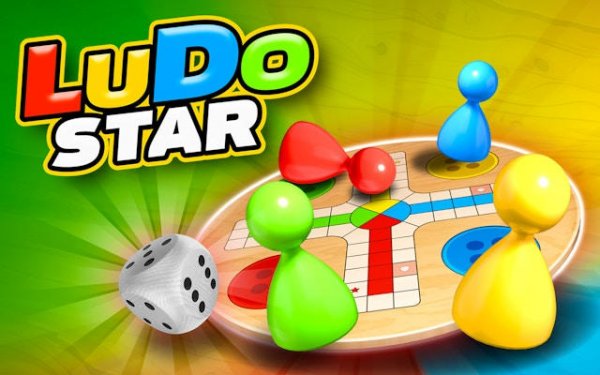
Classic Ludo: Family Race Board Game
Trusted instant play — no download required.
Reviews
Classic Ludo: Family Race Board Game successfully brings the traditional board game to mobile devices without losing its charm. The core gameplay remains true to the original, with dice rolls and strategic token movement. The multiplayer functionality works seamlessly, allowing quick matches with friends or global opponents. Customization options for tokens and boards add a personal touch, though the progression system could be more rewarding. Overall, it is a reliable choice for casual family entertainment.
About this game
Core Gameplay Loop
Classic Ludo: Family Race Board Game centers on a straightforward objective: be the first to move all four of your tokens from the starting area to the home zone. Each turn begins with a dice roll, and the number shown determines how many spaces a selected token advances. Rolling a six is required to place a token onto the board from the start, and it also grants an extra roll. The path is a cross-shaped track with colored sections, and players must navigate their tokens around the board while avoiding opponents.
Strategic Elements and Token Management
While luck plays a role through dice rolls, careful planning is essential. Placing two tokens on the same space creates a blockade that opponents cannot pass. Landing directly on an opponent's token sends it back to the starting area, requiring them to roll a six to re-enter. Certain spaces marked as safe zones protect tokens from being sent back, and players often aim to reach these spots during risky moves. Deciding when to advance a single token versus spreading moves across multiple tokens adds a layer of tactical depth.
Multiplayer Modes and Social Play
The game supports both local and online multiplayer. Players can create private rooms to compete with friends or join global matches against opponents worldwide. This flexibility makes it suitable for quick sessions with family or longer competitive games. The interface is designed to be intuitive, allowing new players to learn the rules quickly while offering enough complexity for repeated play.
Visual Design and Customization
The board features a modern, colorful aesthetic that retains the classic Ludo layout. Players can personalize their experience by choosing different token colors and board themes. These customization options are unlocked through gameplay progression, providing a sense of achievement. The visual style is clean and family-friendly, ensuring it appeals to both children and adults.
Progression and Rewards System
As players participate in matches, they earn coins and other items. These rewards can be used to unlock additional customization options or to enter higher-stakes matches. The progression system is designed to encourage regular play without being overly complex. Regular updates introduce new themes and features, keeping the game fresh over time.
Accessibility and Performance
Classic Ludo is free to play and optimized for smooth performance on a wide range of devices, including smartphones and tablets. The game loads quickly and runs without lag, even on older hardware. Its simple controls and clear interface make it accessible to players of all ages and skill levels, from young children to older adults.








Player comments
Sign in to leave a review
You must be logged in before posting a rating or comment.
No account? Create one
No comments yet. Be the first to comment!